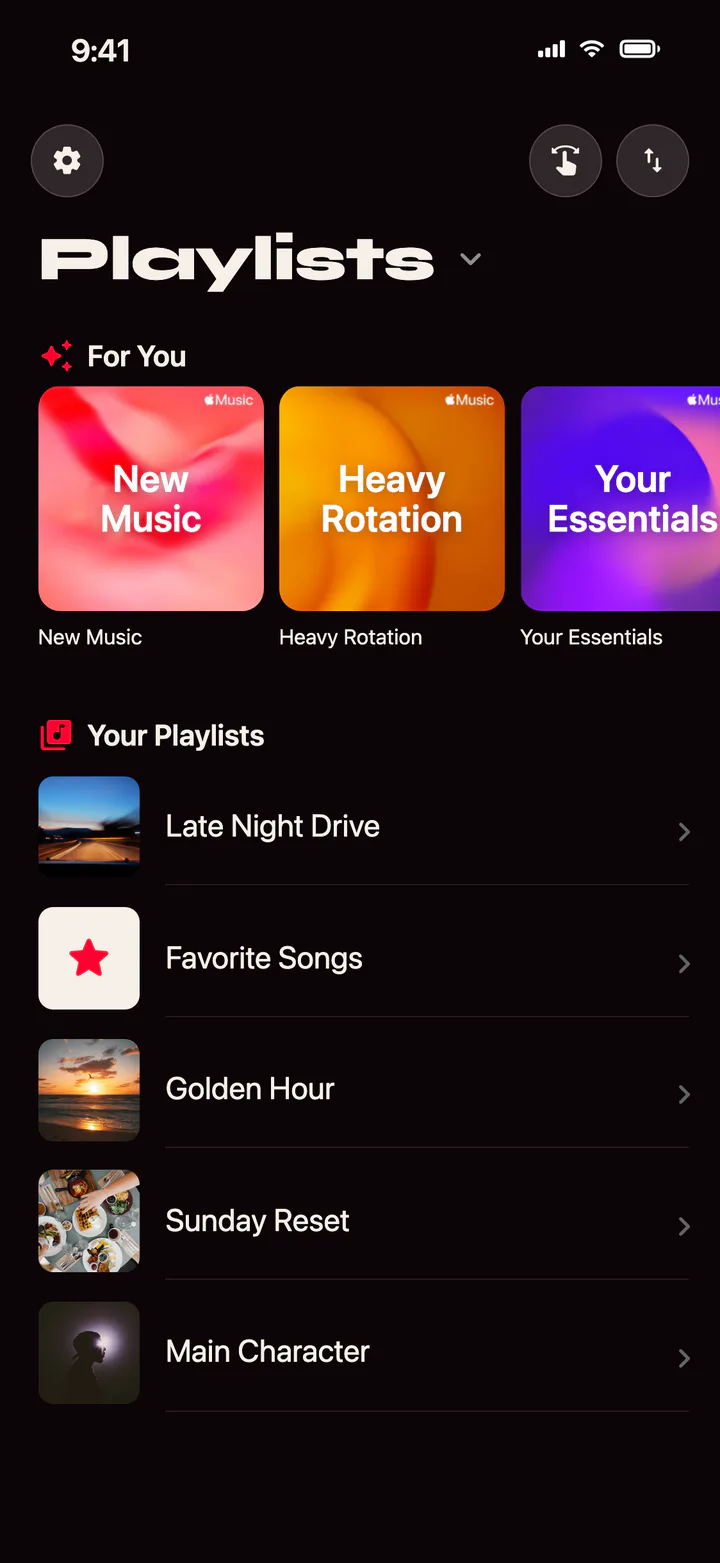







Ripple helps you explore your Apple Music library and decide faster. Right to add, left to skip. Sort any playlist in minutes. Ripple never deletes a track from your library.
Available on iOS 15+ · Apple Music required
Finally get through that giant playlist. Start at any track, not just the first, and pick up later.
Type a playlist name. It's created on your first swipe, then fills up swipe after swipe.
Swipe your Apple Music mixes and recommendations. Add the gems, skip the rest.
The second a track appears, it plays the preview Apple Music selected, the best part of the song. Decide with your ears, not a half-remembered title.
Your tracks stay in your library. In Favorites mode, the Love is removed.
Add to favorites or a playlist. A strong haptic pulse confirms your choice. Simple and smooth.
Favorites mode: a right swipe adds to your Apple Music favorites. Playlist mode: it adds to the playlist you picked. Switch modes whenever you want.
Your music stays between your phone and Apple Music.
No subscription, no ads, no catch. Ripple is and always will be free.
Designed for iOS 15+. Smooth, fast, with the gestures and habits of iOS.
Full MusicKit sync. Your library, playlists, and favorites, always in step.
Ripple never deletes a track from your library or your playlists. You stay in full control: nothing moves without your swipe.
iOS 15+ · Apple Music required · Free